Column · @thesocialsetup
How to Keep a Photo Booth Running Smoothly at Busy University Events
University events draw large crowds, short attention spans, and tight schedules. A photo booth that works well in that environment is one that moves people through quickly, keeps the line under control, and produces shareable results without technical hiccups. The key is thoughtful setup and management, not fancy features.
The direct answer is that a successful university photo activation depends on three things: fast guest throughput, easy line management, and output that students actually want to share. When those three elements are in place, the booth becomes a natural gathering point rather than a bottleneck or a forgotten corner.
Why guest throughput matters most
At a busy university event, every minute counts. Students have classes, club meetings, and social obligations. If they have to wait longer than a few minutes, they will walk away. The booth needs to process each group quickly, ideally in under a minute from the moment they step in front of the camera. That means the equipment must be reliable, the interface must be intuitive, and the operator must be trained to keep things moving.
An open-air layout helps here. Traditional enclosed booths create a bottleneck because only one group can use them at a time, and people inside take their time posing. Open-air setups allow multiple groups to queue up and step in as soon as the previous group finishes. They also let bystanders watch, which builds excitement and reduces the feeling of waiting.
Line management that respects the crowd
A long line is not necessarily a problem if it moves fast. The problem is a line that stalls or becomes confusing. The best approach is to assign one person to manage the queue, keeping it single-file and directing groups to the camera only when it is ready. That person can also remind people to have their phones out for QR codes or social sharing, so no one fumbles when it is their turn.
Some events use a virtual queue system where students scan a QR code and receive a text when it is their turn. This works well for high-traffic periods, though it requires good cellular reception and a bit of advance setup. For most events, a simple physical line with a clear start point is enough.
The role of school branding
A university photo activation that lacks branding feels like a generic attraction. Students want to show school spirit. The booth should include the university logo, event name, or custom frame that makes the photo feel official. That frame can be printed on the photo strip or overlaid digitally. The key is to keep it clean and not so busy that it obscures faces.
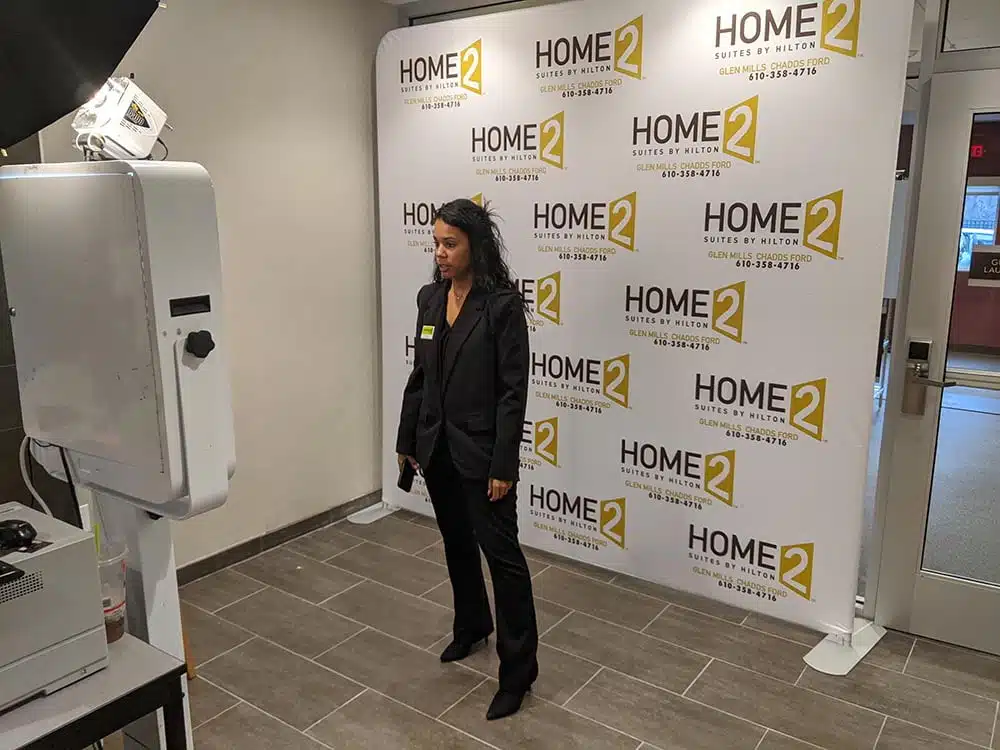
Branding also extends to the backdrop. A simple branded banner or a wall with the school colors works well. Avoid cluttered backgrounds that slow down photo editing or make the final image look messy.
Output that drives sharing
The real value of a photo booth at a university event is the organic social media reach it generates. Students love to post their photos. The booth should make that easy. A QR gallery where participants can scan a code and instantly download or share their photos is the standard. The gallery should be mobile-friendly and load quickly. Avoid requiring an app download or account creation. One tap to save or share is ideal.
The booth should also offer a physical print option. A small strip of two or four photos is a classic keepsake. It gives students something tangible to take away, which increases the perceived value of the experience. Print quality matters: a blurry or poorly lit print will not be shared.
Roaming options for flexibility
Not every university event has a fixed location that works for a photo booth. Some events are spread across a quad, a hall, or multiple buildings. A roaming option, where the booth is portable and can be moved to where the crowd is, solves that problem. A tablet-based system with a handheld camera and a small printer can be carried by one person. It works well for orientation events where students are moving from station to station.
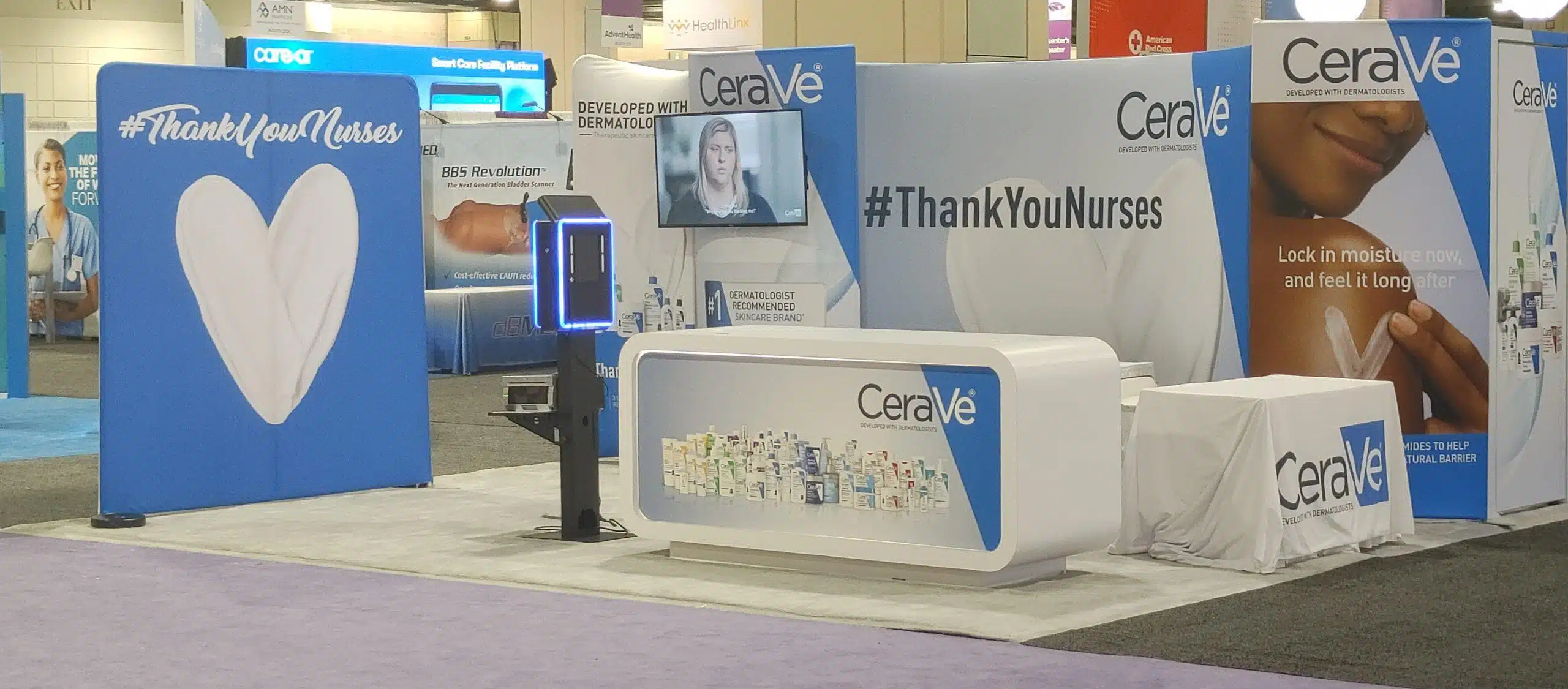
The trade-off with roaming is that the photo quality is slightly lower than a fixed studio setup because of lighting and background control. But the flexibility often outweighs that, especially when the goal is coverage rather than perfection.
Lighting and sound matter more than people think
Bad lighting ruins photos. At a university event, the venue lighting is often fluorescent or uneven. The booth should bring its own soft lights that create even illumination on faces. Ring lights work well for close-up shots. For group shots, a larger softbox or two key lights are better. Test the lighting before the event starts, and adjust for the actual space.
Sound also plays a role. A booth that is silent feels dead. Playing upbeat music at a moderate volume creates energy and signals that the booth is active. The music should not be so loud that it distracts from instructions or makes conversation difficult.
Testing before the event
Every piece of equipment should be tested on-site before the first guest arrives. Check the camera, printer, tablet, lighting, and network connection. Print a test photo and make sure the colors are correct and the frame aligns properly. Run through the full guest flow: approach, pose, capture, share, print. If anything feels slow or confusing, fix it before the line forms.
It is also wise to have a backup plan. A spare tablet, an extra roll of printer paper, and a portable battery can save the day if something fails. University events are often one-time opportunities, and a broken booth is a missed chance.
Staff attitude sets the tone
The person running the booth is just as important as the equipment. A friendly, energetic operator who encourages people to pose and laugh makes the experience memorable. Someone who stands silently or looks bored will kill the vibe. The operator should be comfortable giving direction, like asking groups to move closer together or to smile. They should also know how to handle a busy line without getting flustered.

For a university photo activation to feel seamless, the operator must balance speed with warmth. That is a skill that comes with practice, but it is worth investing in because it directly affects how students feel about the event.
Why this matters for orientation and welcome events
Orientation events are the first impression many new students have of campus life. A photo booth that runs well creates a positive memory and helps students connect with each other. It also gives the university a way to collect user-generated content that can be used in marketing materials, with permission. The key is to keep the experience simple and fun, not to overcomplicate it with too many options.
At the end of the day, a photo booth at a busy university event is a tool for engagement. When it works well, it becomes a hub of laughter and connection. When it fails, it becomes a source of frustration. The difference is in the details: throughput, line management, branding, output, lighting, and staff. Pay attention to those, and the booth will earn its place at the event.